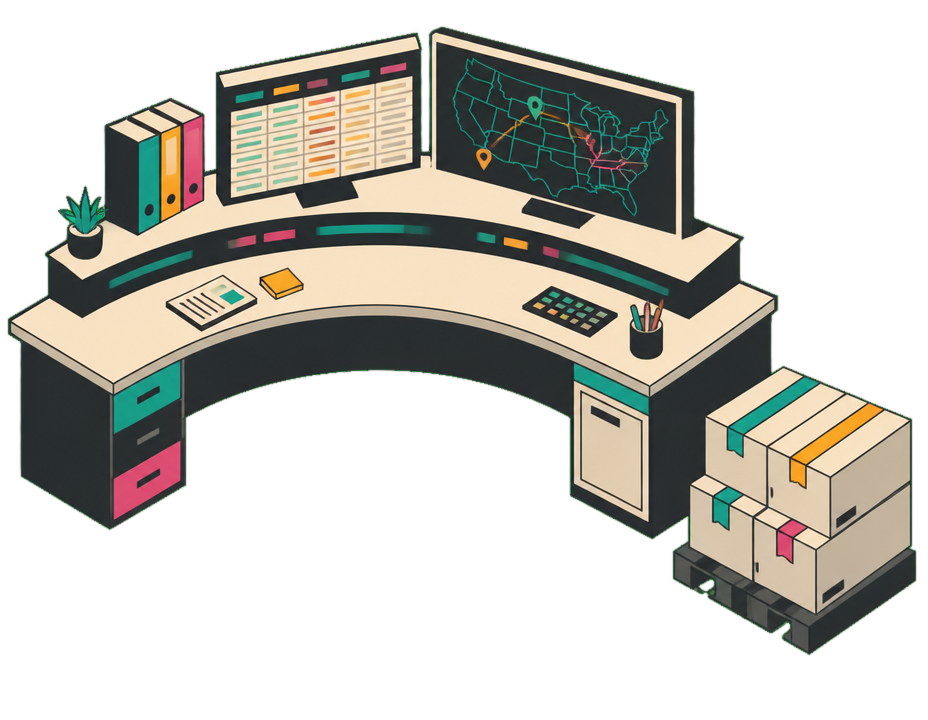
The overnight tracking desk runs on a schedule: every two hours it checks in, writes the update back to your apps, escalates only what’s off-track, and remembers every carrier so the next round picks up where the last left off.
Does
Chases overnight load statuses & check-ins
Where
Logistics brokerage, ~40-person desk
Reaches people on
SMS, email, Slack
Works inside
Airtable, Gmail, Google Calendar
Runs
Every 2h · 20:00–06:00
01The situation
The job nobody wants.
Someone always has to keep poking people for updates and copying the answers into a system. Carriers needed chasing for an ETA, shippers needed telling, and the tracking board only stayed current while a human sat there refreshing it.
After hours it simply stopped. The desk started each day rebuilding the board from voicemails and texts, and the off-track loads, the ones worth catching early, only surfaced when they were already late. Staffing an overnight just to re-type statuses was never going to pencil out.
02How it works
How it got handled.
Rather than staff an overnight, the team simply handed the job over. It set itself up to wake every couple of hours through the night, do the rounds, and pull in a person only when something was genuinely off-track — so the work kept happening with no one watching it.
TASK#182Overnight load trackingscheduled
schedule
First run 20:00, local to the lane
repeat
Every 2 hours · until 06:00
scope
Every open load on the board
runs as
A contained action per fire (instance 0, 1, 2…)
memory
Per-carrier rolling summary, carried run to run
Created once, in plain language: “every two hours overnight, check each open load and update the board.” Unify turned that into a standing task: no cron expression, no glue code, no extra service to babysit.
FIG. 1The durable task, exactly as it exists in the runtime.
Every couple of hours it wakes up and walks the same loop:
01Task firesEvery 2h, overnight
02Task wakesJust for this run
03Reads loads + memoryOpen loads + each carrier's history
04Texts driversSMS check-in
05Updates the boardAirtable + shipper email
06On track?On track → remember it · Off-track → escalate to Slack
07Arms next runSchedules the next instance
…then the next run picks it up, two hours later.
FIG. 2The loop each run walks.
03Ongoing handling
How it ran, night after night.
Here’s the night as it actually unfolded — run by run, down to how it reached for each app. Only the off-track loads ever made it to a human.
20:00run #1
First round of the night, with every open load checked and the board brought current.
22:00run #2escalated
Caught the one exception of the night, a dock delay, and handled it end to end.
00:00run #3
All rolling, but two delivery windows had shifted, so it kept the shippers in sync.
02:00run #4
Quiet round: one load delivered and closed out, nothing else to do.
04:00run #5
Last full round before dawn, everything on track, no changes needed.
06:00window closes
Recurring window ends. Night summary posted to #ops-night: every load tracked, one exception caught early, board clean before the day shift logged in.
Driver replies and run events land on the left. Watch each one get worked end to end across the apps — turning to you only when a load's off-track.
The result
What changed, by the numbers.
Nights unattendedstatus updates happen without a dispatcher awake
~1 in 12loads that needed a human, with the rest running themselves
Hours earlierexceptions surfaced vs. found at the dock
Board current at 6amupdated overnight rather than rebuilt in the morning
An illustrative workflow built from real product mechanics. The connected apps, the schedules and the run handling are how a droid actually works; the companies, the people and the figures are composites rather than a customer's numbers.
Try this workflow
Run this workflow yourself.
Copy the brief below and paste it into Unify. It’ll walk you through the prerequisites, connect what it needs, and stand the workflow up with you.
Workflow brief
I run the overnight tracking desk at a freight brokerage. Every night someone has to chase carriers for status updates and copy the answers into our load board; after hours it stops, so mornings start by rebuilding the board from voicemails, and slipping loads only surface once they're already late.

Own the overnight status-chase. Apps/channels: Airtable (load board: open loads, statuses, ETAs), Google Calendar (delivery windows), Gmail (shipper updates), SMS (texting drivers), Slack #ops-night (exceptions).

Schedule a recurring task every 2 hours, 20:00–06:00. Each run:
1. Pull the open loads from Airtable and read each delivery window.
2. Text each driver for a status + ETA, and read the reply.
3. Write the status and updated ETA back to Airtable.
4. If an ETA misses its window, mark the load at-risk, email the shipper the new ETA, and post it to #ops-night.
5. Keep on-track loads current and move on.

Carry context between runs (how each carrier prefers to be reached, their usual patterns) so each round picks up where the last left off. Only bring me in for off-track loads.